
1. Activate Yoco as payment gateway
-
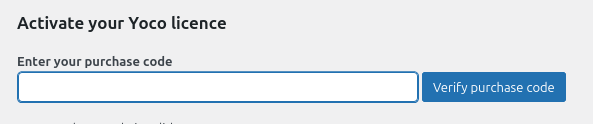
Once you have activated Yoco plugin, you need to validate the licence in HBook > Licence.
-
Set Yoco as active payment gateways in HBook > Payment > Active payment gateways.
2. In HBook, add Yoco credentials
-
You will need to add the Secret Key, in HBook > Payment > Yoco settings.
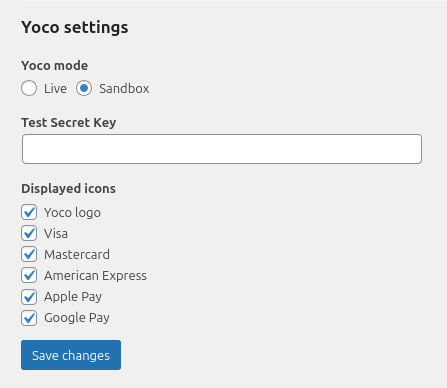
Please note that your Secret Key will be different for Sandbox (Test) mode and Live mode.
Where to find the Secret Key?
You can find your secret key in the Yoco App, on the Yoco payment gateway page.
Which test card can I use?
Yoco provides a test card to be used on the Test environment. You will find the test card details in Yoco Developer documentation.
Please note that the Test transactions do not appear on the portal dashboard or sales report.
Minimum transaction is R2.00.