
1. Activate PayFast as payment gateway
-
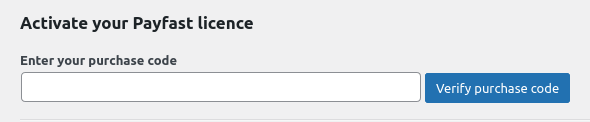
Once you have activated PayFast plugin, you need to validate the licence in HBook > Licence.
-
Set PayFast as active payment gateways in HBook > Payment > Active payment gateways.
2. In HBook, add PayFast credentials
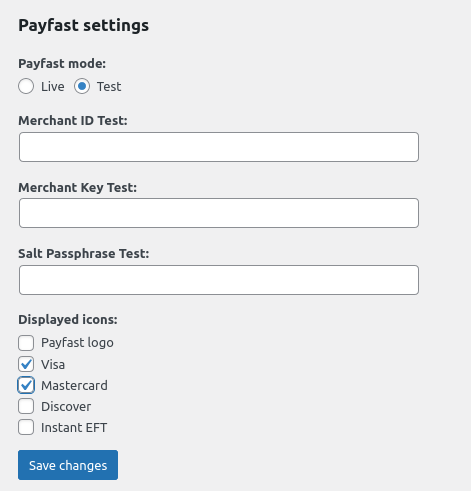
You will need to add the Merchant ID, Merchant Key and Salt Passphrase, which are communicated by PayFast, in HBook > Payment > PayFast settings.
Where to find my Merchant ID and Merchant key?
You can find the steps to create your Merchant ID and Merchant in this help article from PayFast.
How do I create my Salt Passphrase to use?
You can find the steps to create your Salt Passphrase in this help article from PayFast.