
MercadoPago add-on include translation files for Spanish language. If your website/user is in Spanish, you will see the admin and the front-end already translated to Spanish.
1. Activate MercadoPago as payment gateway
-
Once you have activated MercadoPago plugin, you need to validate the licence in HBook > Licence.

-
Set MercadoPago as active payment gateways in HBook > Payment > Active payment gateways.
2. In HBook, add MercadoPago credentials
-
You will need to add the following information, in HBook > Payment > MercadoPago settings.
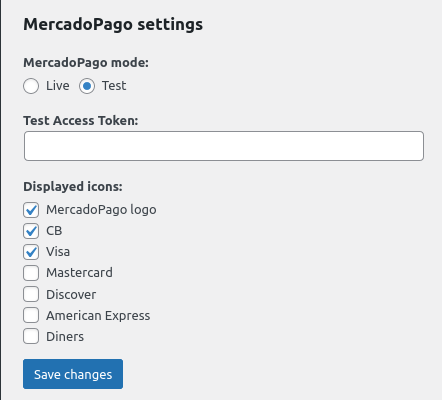
Where to find the Access Token?
You will find the Access Token in the Dashboard or in the MercadoPago menu, Tu Negocio> Configuración> Gestión y Administración> Credenciales.