
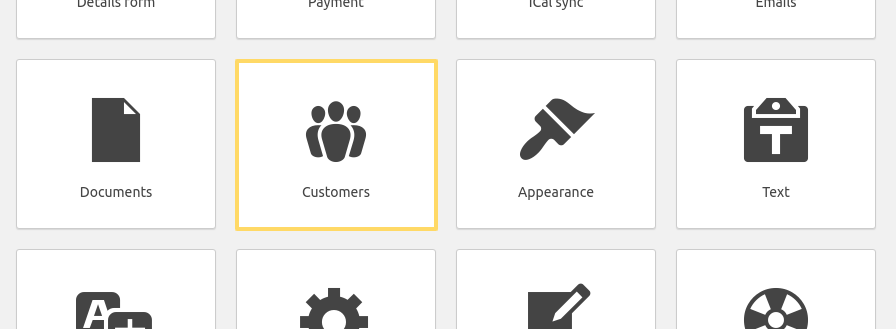
In this section of the documentation, you will find information regarding the Customers sub-menu of HBook menu. You can here manually manage the customer details and list.
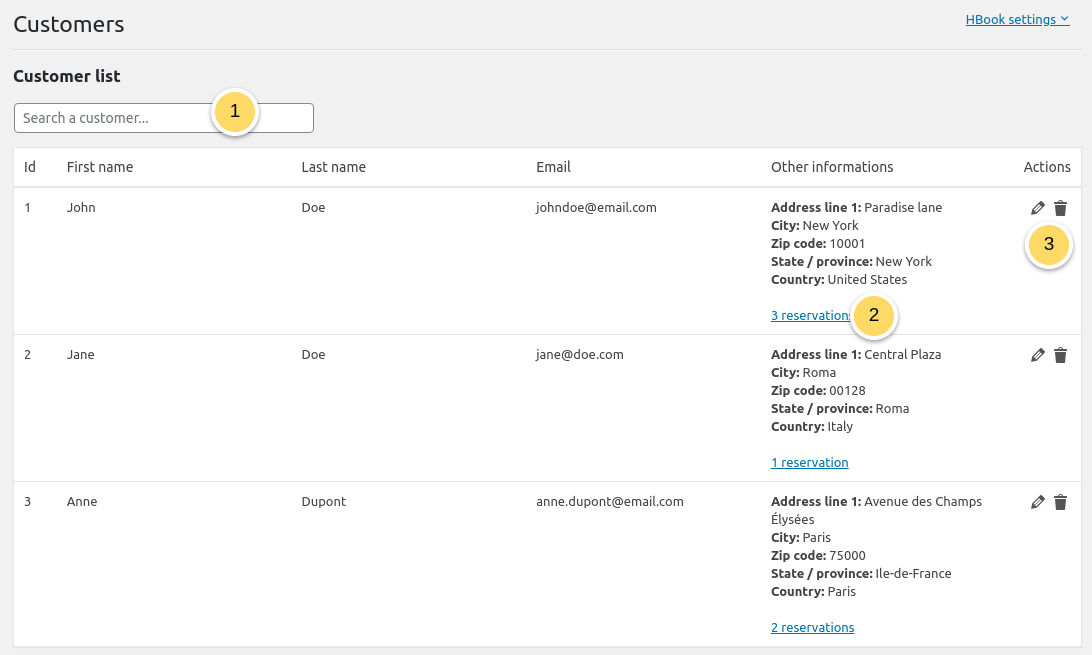
This is where are listed all your customers. A customer ID is associated to a customer email, which means that if a reservation is done with an existing customer email, any information associated to the “Customer” in HBook > Details Form will be updated by HBook if modified.
-
You can search the customers table. You can as well sort the customers by ID or last name.
-
You can check the history of reservations of a customer. If you click on the number of reservations, you will see the list of his reservations with all details.
-
It is possible to edit customer details or as well to delete the customer, which will remove it definitely from the list.
Good to know!
-
Any information of the Details Form associated to the “Customer” will be updated each time a new reservation is received with this customer email address. If the field is empty, HBook keeps the previous information. If it is filled, we update the data for the customer.
-
If you work with agents that make bookings for 3rd party, we recommend creating another email field for the booking agent email.
-
If you enter reservations from the back-end, leaving the customer email field empty will allow you to create a new customer, only if you wish to.