
You can follow these steps to find the URL of an image in your WordPress Media Library:
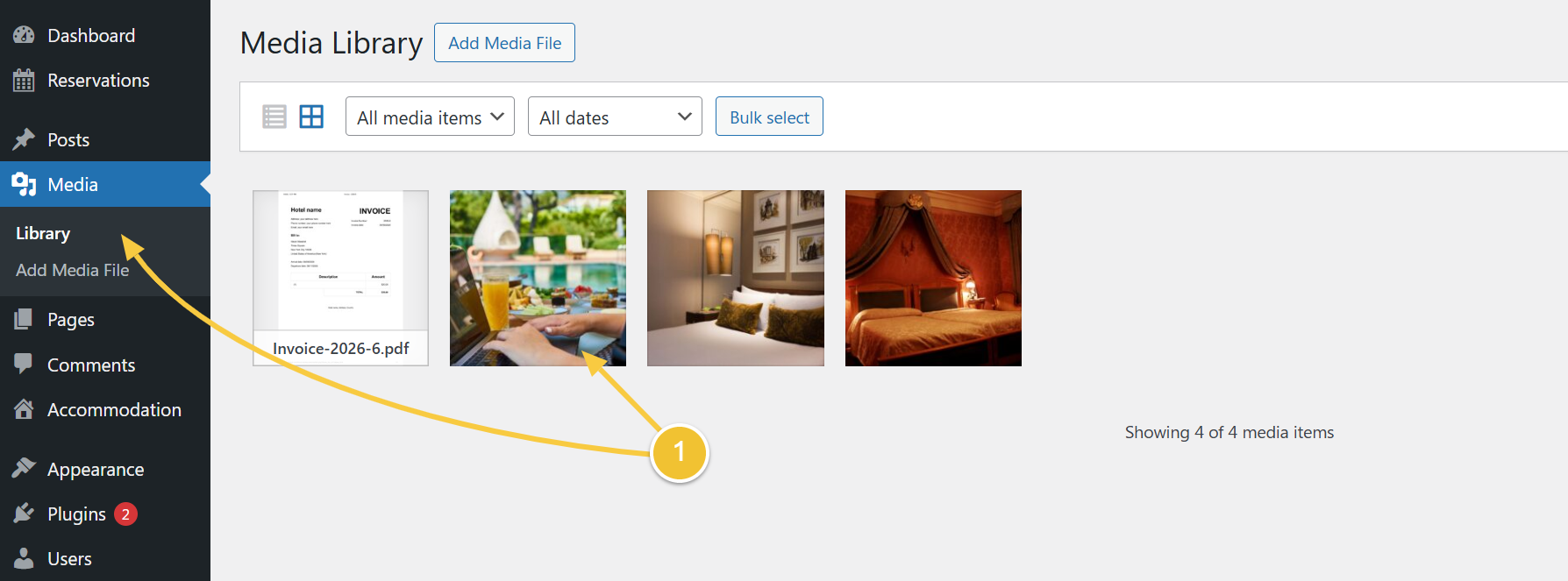
-
Go to the Media Library page, and click on the image for which you need the URL
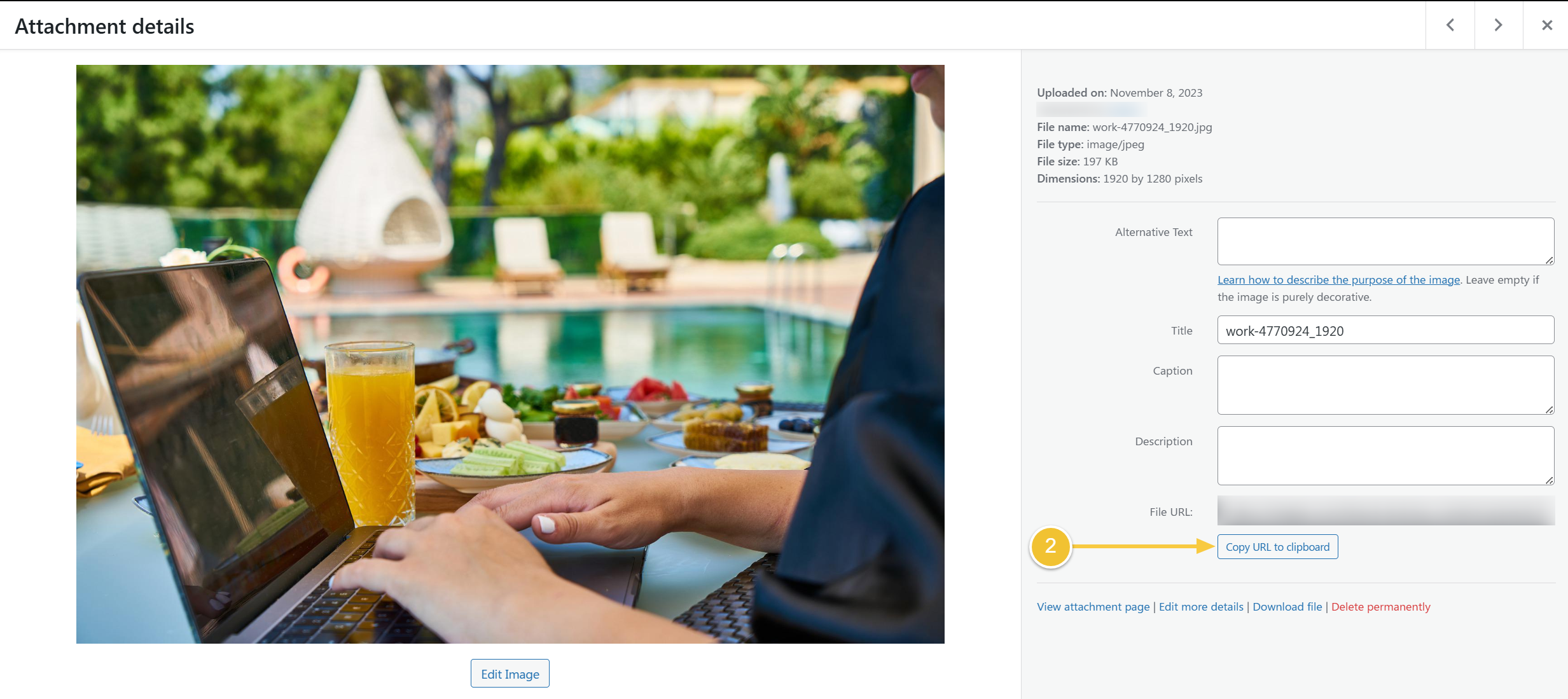
-
The File URL field will show you the URL of that image, and you can click on Copy URL to clipboard