
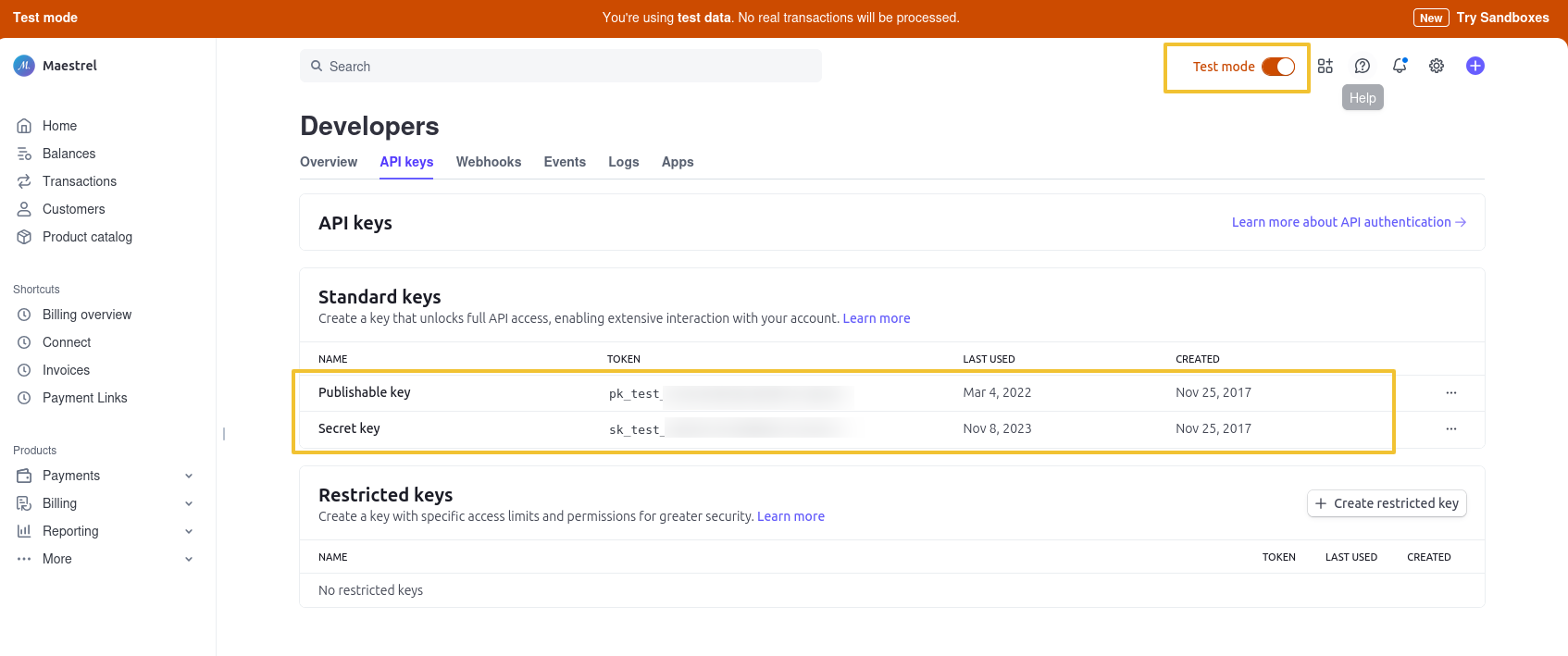
Once you have created your Stripe account, you will find API keys in your Dashboard. You should navigate to the menu Developers > API Keys.
You can switch to view your "Live" keys and your "Test" keys.
📎 Check Stripe related articles
- Can I ask for credit card details without taking payment? I wish to charge the customer card at a later stage.
- Can I refund a customer?
- Where to find my Stripe API Publishable and Secret Keys?
- Can I charge a customer of the remaining balance?
- Required country field notification with Stripe
- In the payment form, some payment methods enabled in Stripe are missing
- Can I ask for full payment and charge the security bond later?
- Can I use HBook for booking requests that need to be confirmed?
- How to test payments with Stripe? Which credit card should I use?