
Once you have created your email template with Beefree, you can follow these steps to include HBook variables and add the content in HBook > Emails.
It is possible to add images directly from your WordPress Media by using the URL option. You can check this article to do so: How do I find the URL of an image in my WordPress Media Library?
-
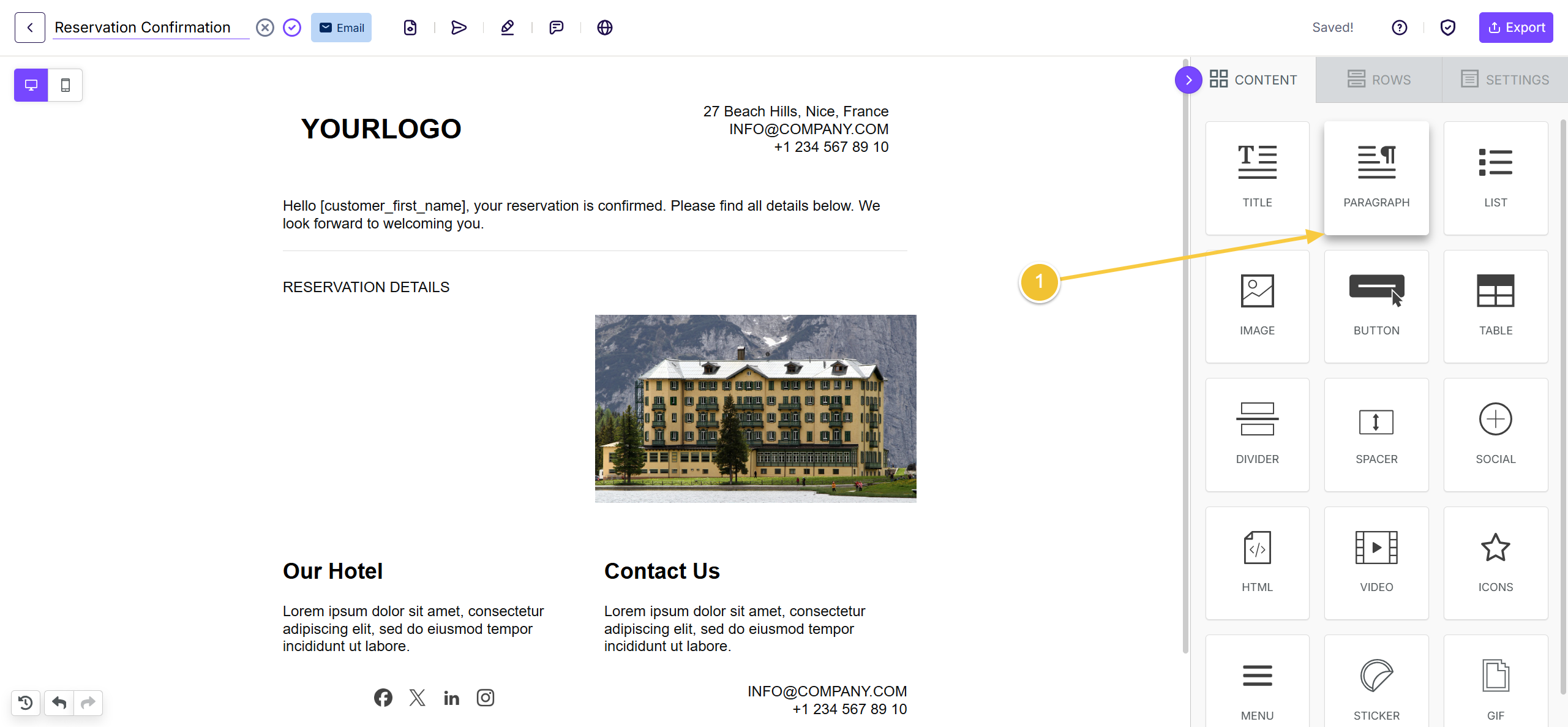
Wherever you wish to add HBook variables, you will add a Paragraph element.
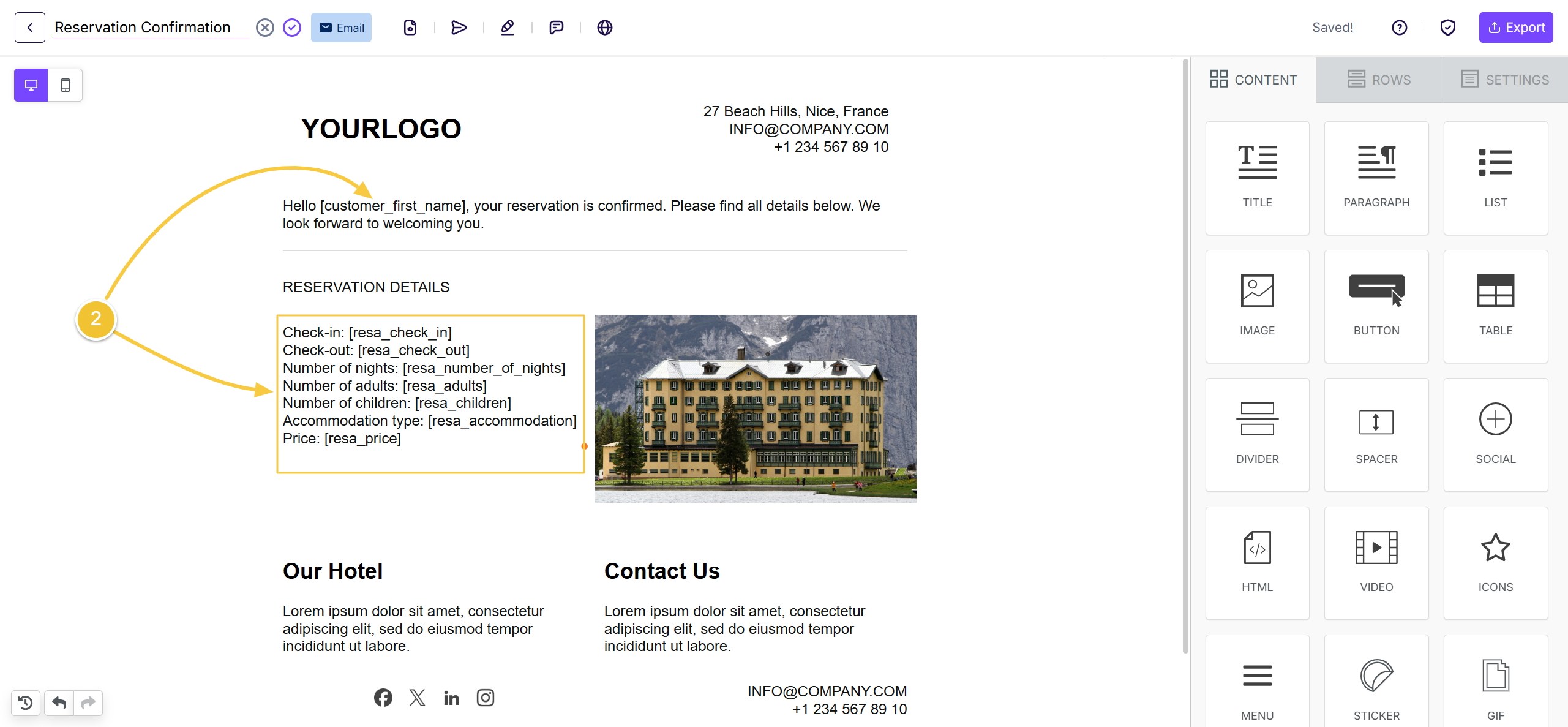
You can check the full list of variables in this section of our documentation: List of variables
-
In the added Paragraph element, enter the HBook variables you wish to use.
-
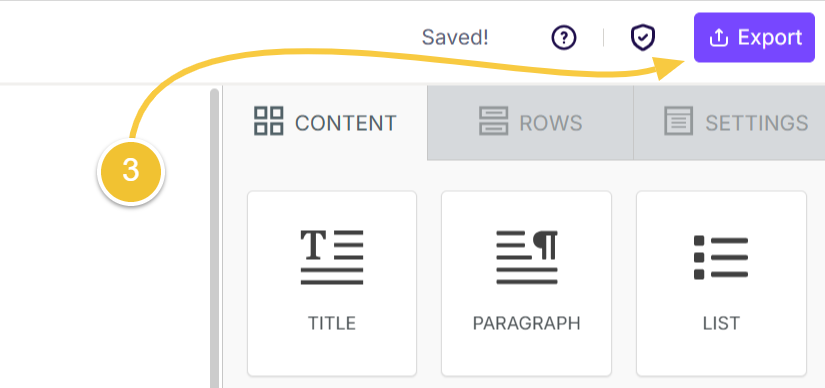
Click on Export
-
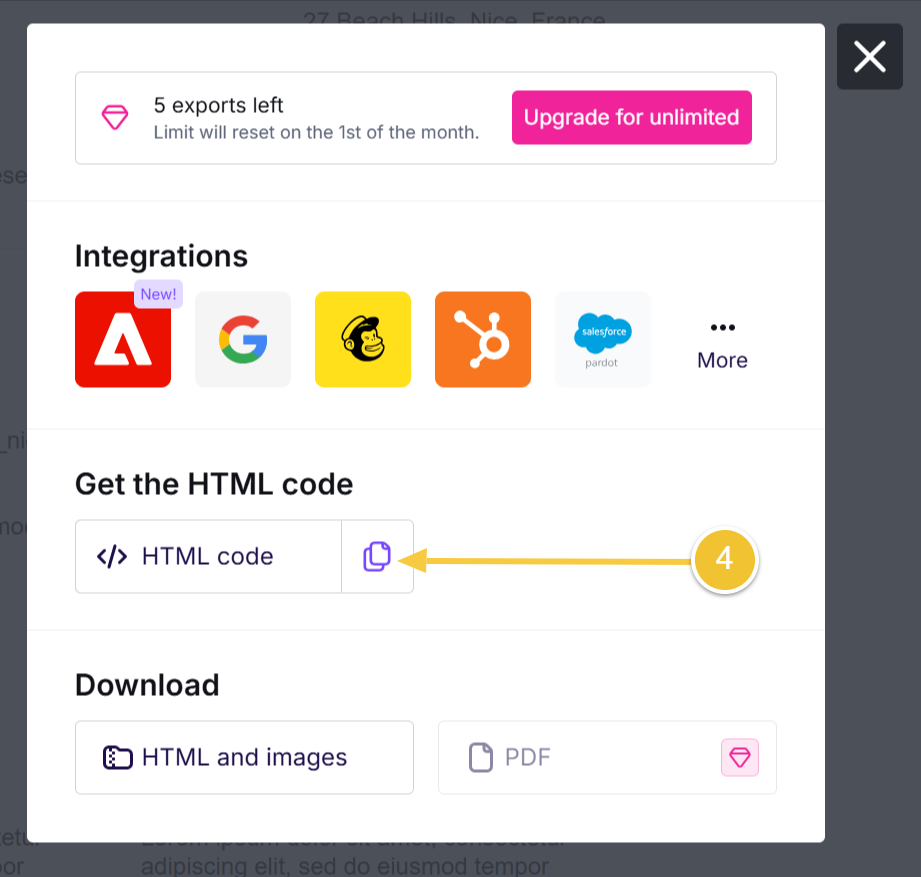
Click on the Copy icon
-
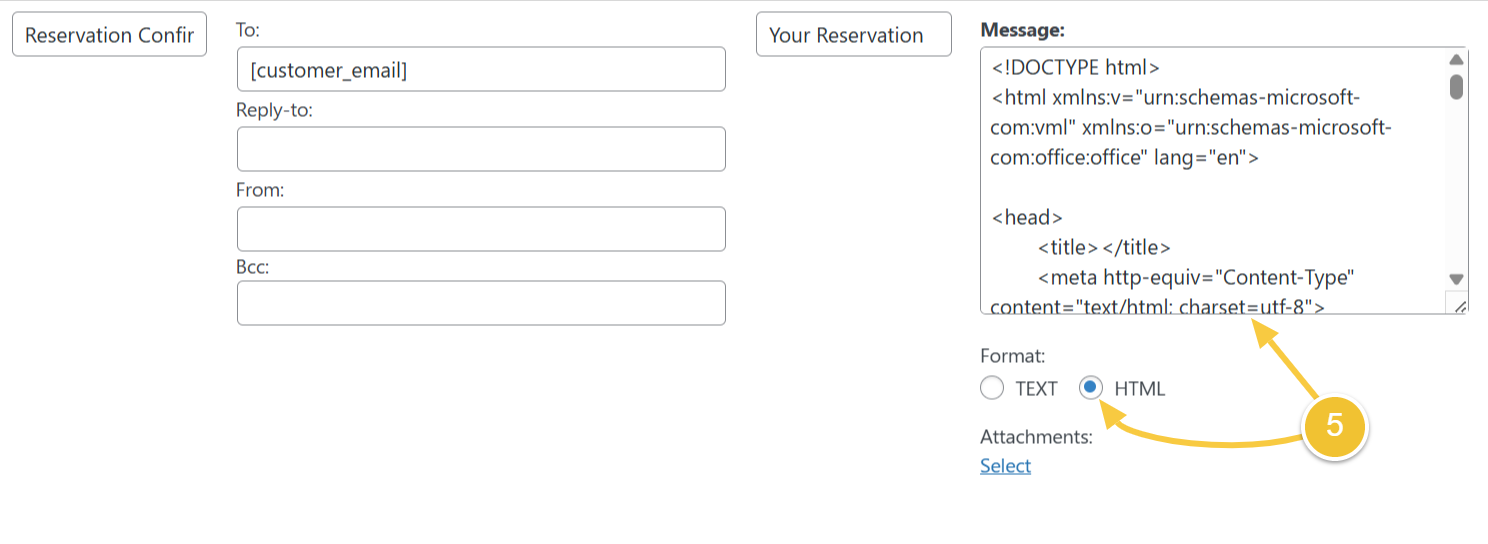
Back in HBook > Emails, in the message section, select the HTML format and paste the HTML code from Beefree.