-
On your computer, open Google Maps.
-
On the map, right-click the place or area.
-
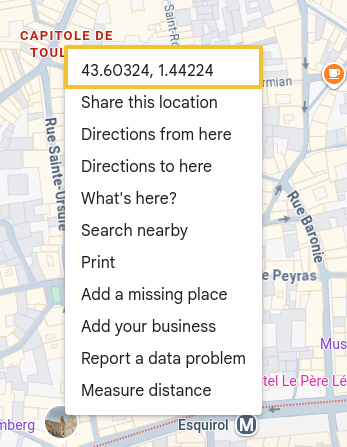
A pop-up window appears. At the top, you can find your latitude and longitude in decimal format.
-
Click to copy. This is what you need to indicate the GPS coordinates of HBook Connect settings.
